External Repositories
Setup
Instructions for setting up Pantheon's external repository integration and creating a new site via the Pantheon Dashboard or Terminus.
This page provides instructions for setting up a new site using Pantheon's external repository integration. You can create new sites through the Pantheon Dashboard (GitHub only) or via Terminus (GitHub and GitLab). You can also connect sites using existing repositories.
Creating a new site with a new repository
Creating a new site with an existing repository
Pantheon's external repository integration allows you to maintain your site's source code in a GitHub or GitLab repository while deploying to Pantheon. When you push code to your repository, Pantheon automatically syncs and deploys the changes.
For this integration to work, your repository must include certain Pantheon-specific configuration files alongside your CMS code. The exact requirements differ between WordPress and Drupal.
WordPress vs. Drupal
The two CMS platforms take different approaches to Pantheon integration:
| WordPress | Drupal | |
|---|---|---|
| Core files | Committed to the repository | Not committed — built by Integrated Composer on deploy |
| Pantheon platform settings | Manually included as wp-config-pantheon.php | Auto-generated by the pantheon-systems/drupal-integrations Composer package |
| Web root | Repository root (/) | Subdirectory (/web/) |
| Dependency management | Manual (plugins/themes committed to repo) | Composer (composer.json + composer.lock committed; dependencies built on deploy) |
| Build step | None | composer install runs on deploy |
Select the guide for your CMS to get started:
Via Terminus
To connect a new Pantheon site to an existing repository via Terminus, pass --no-create-repo. This tells Terminus not to create a new repository and instead connect to the one specified by --repository-name.
Common issues
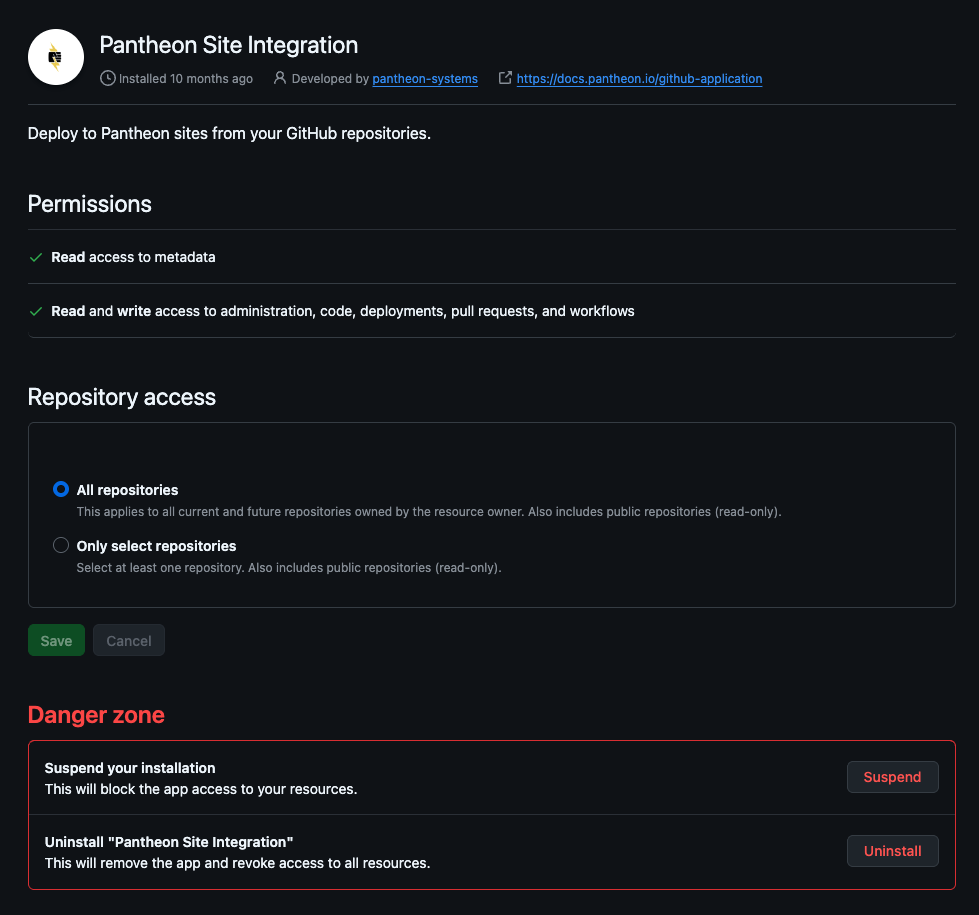
If you find yourself at a screen that asks you to configure the app, it typically means you've already installed the GitHub Application and connected it to another Pantheon organization. You will need to connect the application to this organization using terminus vcs:connection:link. See the documentation in Usage.

More Resources
- Terminus Commands - Documentation for the
terminus site:createcommand - Next.js Documentation - Official Next.js documentation