Pantheon Secrets Guide
Introduction
Securely store secrets in the Pantheon Platform.
Pantheon Secrets is key to maintaining industry best practices for secure builds and application implementation. This feature provides a convenient mechanism for you to manage your secrets and API keys directly on the Pantheon platform.
This guide covers features and use cases of Pantheon Secrets, which you can manage via the Site Dashboard or via Terminus.
Features
Key features include:
- Secure: Secrets are encrypted at rest and securely hosted on Pantheon.
- Easy to use: Create and update secrets via the Site Dashboard or Terminus.
- Governable: Secrets can be set at organization level and shared with all the sites owned by that organization.
- Overridable: Secrets can be overridden at environment level when needed.
This feature also supports:
- The use of private repositories in Integrated Composer builds.
- The ability to set a
COMPOSER_AUTHenvironment variable and/or a Composerauth.jsonauthentication file. - The ability to define the degree of secrecy for each managed item.
Access & Availability
Pantheon Secrets is available to all Pantheon users at no additional cost. Secrets management commands are built into Terminus 4.2.0 and later — no additional plugin installation is required.
Installation
To get started:
- Install & authenticate Terminus if you have not done so already.
- You can now use Terminus commands such as
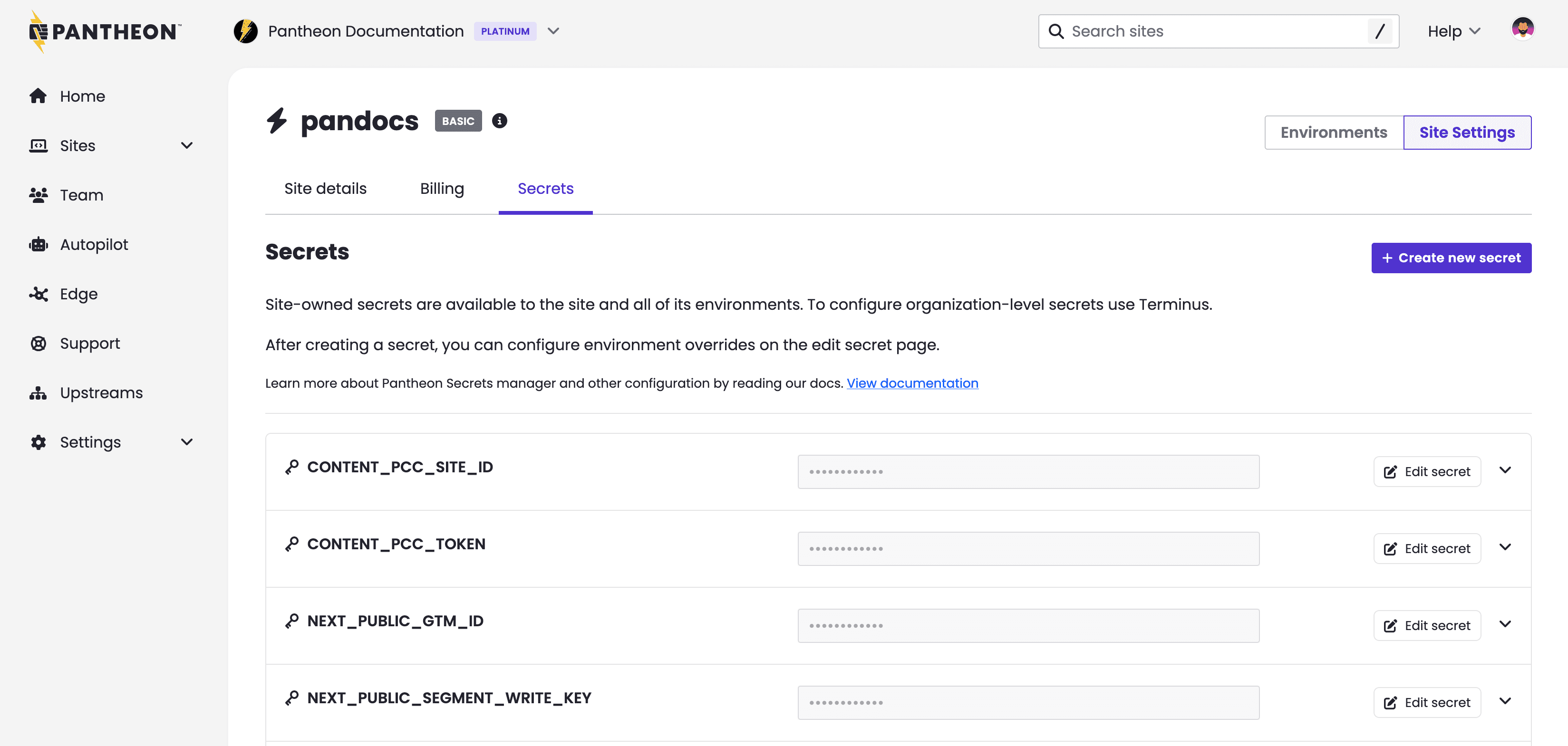
secret:site:setto manage secrets securely on Pantheon, or manage site-owned secrets directly from the Secrets tab in your Site Dashboard.
To see all available Terminus secrets commands, refer to the Terminus command reference.
Older plugins now deprecated
Terminus 4.2.0 integrates secrets management directly into Terminus core. If you previously installed the Terminus Secrets Manager Plugin separately, you no longer need it — the same commands are available in Terminus 4.2.0 and later without any plugin installation.
The Terminus Secrets Manager Plugin itself replaced the older Terminus Secrets Plugin, which wrote unencrypted values to a JSON file in /files/private. If you still use the older plugin, we strongly encourage you to upgrade by adopting Pantheon Secrets.
Support
Terminus, the PHP Secrets SDK, and the Pantheon Secrets Drupal module are open source. You can view the projects, file issues and feature requests, and contribute in their respective repositories on GitHub.
- Terminus
- Secrets SDK
- Pantheon Secrets Drupal module
- github repo for issues & PRs
- drupal.org for releases
Contact Support if you have questions or need help with Terminus.
