Multidev environments
Pantheon builds a complete Next.js environment for each pull request and specially named Git branches.
To support teams who are developing multiple features and bug fixes simultaneously, Pantheon creates environments per Git branch.
These environments are created automatically per pull request or merge request by Pantheon's external repository integration.
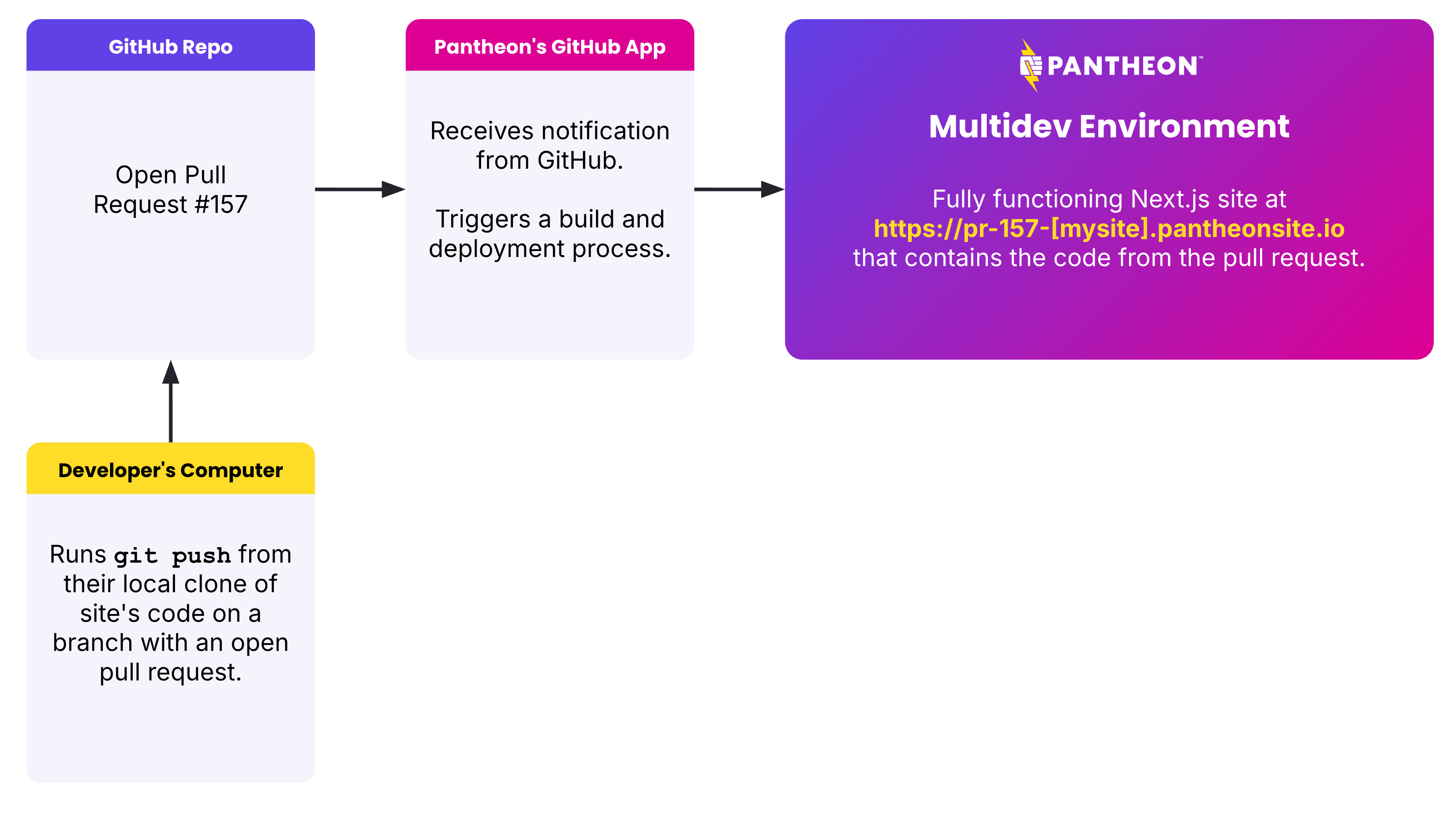
Additionally, if you want a longer lived environment, or one not tied to a pull request, you can prefix a branch name with multi- to have Pantheon create a Multidev environment for that branch.
Unlike Dev and Multidev environments for WordPress and Drupal sites on Pantheon, Multidev environments for Next.js do not have an "SFTP mode" that allows for directly changing files. All code changes must be made through Git and deployed through Pantheon's external repository integration.
Run tests after a deployment
Multidev deployments are asynchronous. A GitHub Actions workflow that starts testing as soon as you push a commit can run against the previous code. This applies both when Pantheon first creates the environment for a pull request and when you push later commits to it.
To avoid testing stale code, use the Terminus command terminus node:builds:wait (available in Terminus 4.2.0 and later) to wait for a specific commit to finish building and deploying before the test job starts:
The --max option sets how many seconds to wait for the build to finish. It defaults to 600.
In a pull request workflow, <env> is pr-<pull-request-number> and <commit-sha> is ${{ github.event.pull_request.head.sha }}. Make the test job depend on the wait step, then run your tests against the environment URL, https://pr-<pull-request-number>-<site>.pantheonsite.io.
For an example, see how the Pantheon Docs site waits for a deployment using a GitHub Action and then runs BackstopJS visual regression tests in its pull request workflow.