January 26, 2026
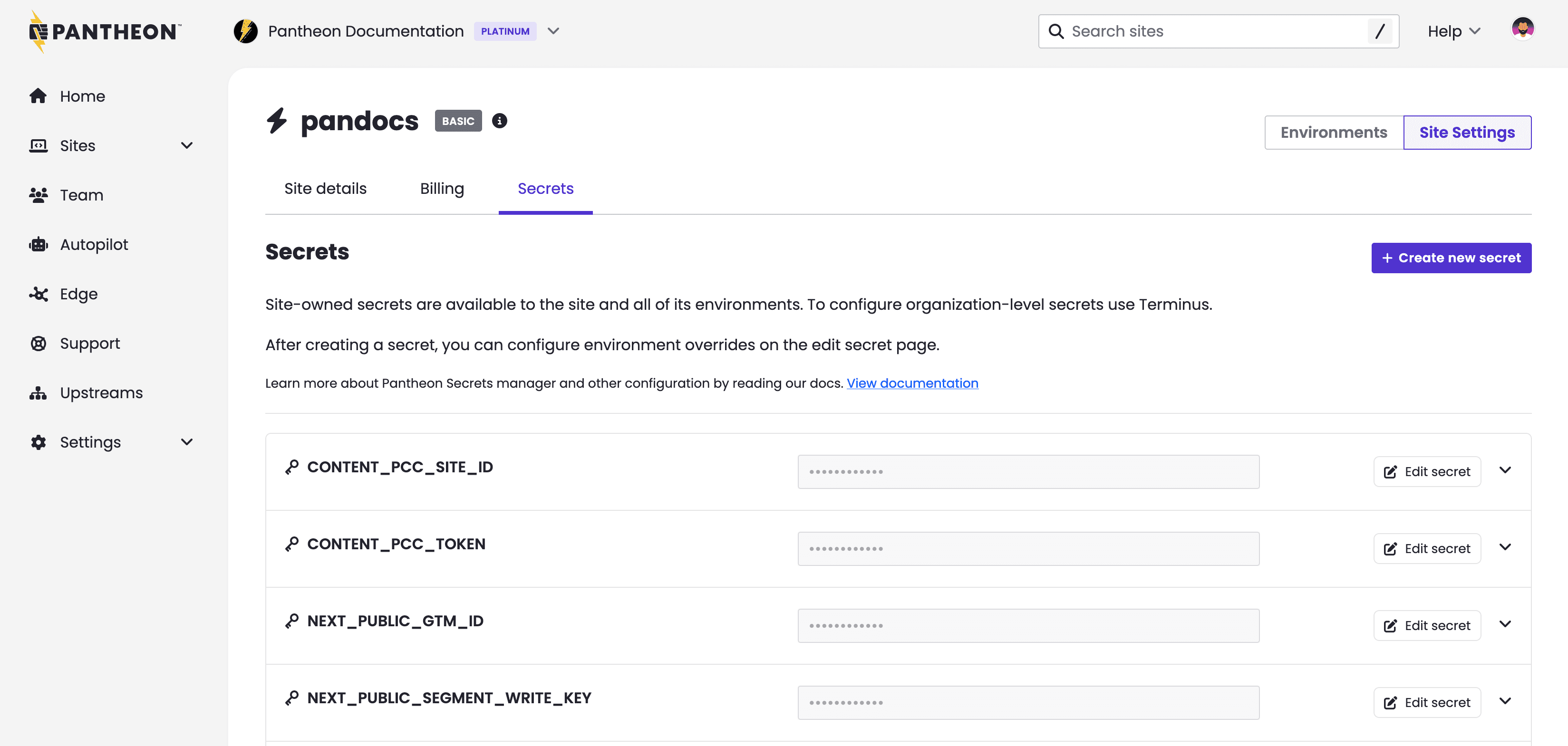
Teams using Pantheon's Secrets Manager to set variables like API tokens can now do so through the site dashboard. Previously this feature only had a command line user interface through a Terminus plugin. Secrets Manager works with WordPress, Drupal, and Next.js sites hosted on Pantheon. It does not work with the sunsetting Front-End Sites product.
Secrets Managers encrypts values at rest and then makes them available to your application's code as it runs. Secrets Manager is suitable for setting variables that are truly sensitive like a password, token, or key that allows Next.js to read from a back-end CMS as well as variables that might not be sensitive like a Google Tag Manager ID.
What's new?
- Create new site-owned secrets from the site dashboard
- Create new site-owned secrets in bulk from the site dashboard by either:
- manually adding multiple keys at once of the same type and scope
- or importing secrets from
.envfiles (e.g., Next.js sites)
- Manage existing site-owned secrets from the site dashboard:
- Edit default secret value and/or secret scope
- Add/edit/delete environment overrides
For details, see related documentation.