Pantheon release notes

Your destination for staying informed about our latest innovations and product updates.
Subscribe to RSS feed
November 7, 2025

The latest update to the Pantheon Advanced Page Cache Drupal module includes a change regarding module compatibility to ensure the best performance for your site.

Key Update

The BigPipe module is fundamentally incompatible with the architecture of Pantheon's Global CDN and the functionality provided by Pantheon Advanced Page Cache module. To improve site reliability, the module will now automatically disable BigPipe when Pantheon Advanced Page Cache is enabled.

If the BigPipe module is somehow enabled after PAPC is installed, a clear error message will now be displayed on the Drupal Status Report page (/admin/reports/status).

This warning clearly highlights the fatal incompatibility and the risk of site errors.

November 6, 2025

Terminus 4.1.1 is now available. This patch update contains the latest bug fixes and improvements for this tool.

This release includes enhanced database cloning capabilities and improved environment information accuracy.

Added

  • Auto-detect URLs for database clone search-replace operations, reducing the need for manual URL configuration when cloning databases between environments

Fixed

  • Fixed the drush_version field output in the env:info command to display accurate Drush version information

How to upgrade Terminus

If you manage your installation via Homebrew on macOS, you can update Terminus with the following command:

For other systems, see additional upgrade instructions here.

November 4, 2025

A refreshed, modernized site creation experience is now available in the Pantheon Dashboard for all users.

Share questions and feedback in the Pantheon Community Slack.

New user interface showing the creation of a WordPress site in the dashboard

Key Changes

  • The process and workflow is the same, with fewer “loading” screens.
  • Design improvements to align with the latest usability standards.
  • Previously, errors were checked after form submission. Now, errors are checked as you type.
  • Previously, after deployment completed, only a single button was shown for opening the new site dashboard. In the new experience, we've added next steps in context with relevant documentation links: New user interface showing the completion of deploying a new WordPress site in the dashboard
November 3, 2025

PHP versions 8.3.27 and 8.4.14, are now available on the platform. These updates bring the latest bug fixes, improving performance and security for your sites. The latest versions have already rolled out to all sites.

PHP 8.4 is only available with the new PHP Runtime Generation 2.

The PHP 8.4 upgrade process automatically includes an upgrade to PHP Runtime Generation 2 if your site hasn't been upgraded already.

Important PHP version information

  • PHP 8.1 and 8.2 are currently receiving security-only updates.
  • For more details, see the full list of PHP supported versions.

For the best performance and security, Pantheon recommends running PHP 8.2 and above.

October 30, 2025

For sites using Object Cache Pro, a new recommended config constant, Pantheon OCP Config Version 2.0, is now available.

The primary change is setting the analytics persist setting to false to reduce Redis errors experienced by sites. This will now clear object caching analytics when the cache is flushed.

View the new config constant here.

Action Required

You may choose to manually replace the WP_REDIS_CONFIG constant in your wp-config-ocp.php or re-run terminus install:run <site>.<environment> ocp to apply the changes.

October 23, 2025

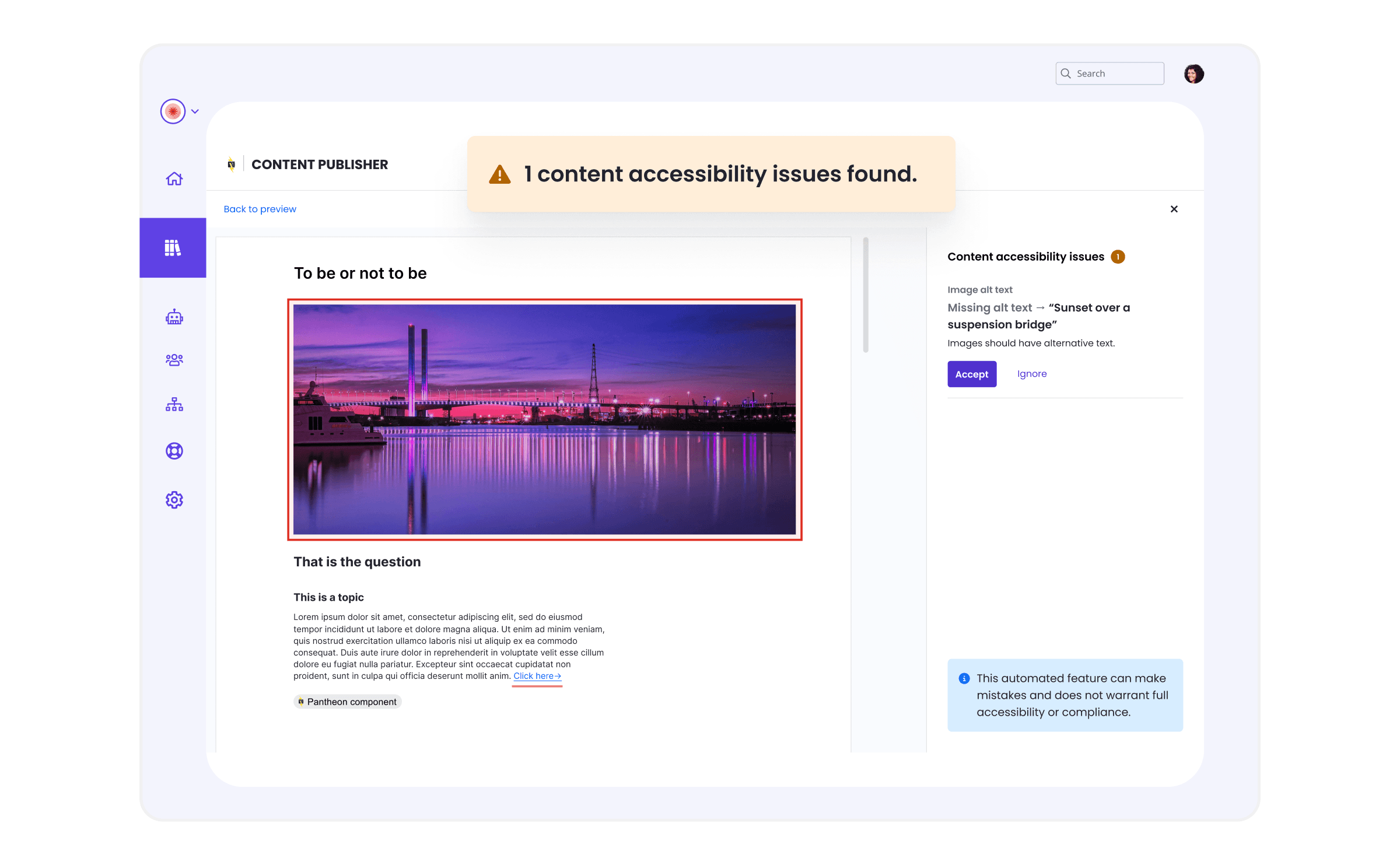
The following updates are now available for Content Publisher:

  • New release of the Pantheon Content Publisher v1.0.3 Drupal module now available.
  • With Approval Workflows enabled, Administrators now have the option to Approve submissions directly from the Pending approval tab of a Collection in the Content Dashboard. Previously, opening each submission in Preview mode was required.
  • The experience for Smart Components has been improved for first time users.
  • Upgrade Content Publisher AI metadata suggestion to use Gemini 2.5 flash instead of Gemini 2.0.
  • Bug fix for our Next.js starter kit and SDK to properly support Next.js 15.5 and the use of App Router. Improve the build process by using pinned versions of dependencies.
  • Fix several event tracking issues in the back-end.
October 21, 2025

PHP Runtime Generation is now reported for each environment by the Site Dashboard under the Status tab in the Software Versions block.

Software Versions block on the Status screen

This new data point provides immediate, at-a-glance confirmation of your site's underlying PHP configuration, making it simpler to track your stack and prepare for platform updates.

Alternatively, you may use the terminus env:info <site>.<env> command using Terminus 4.0.2+ to see the current PHP Runtime Generation.

To understand what PHP Runtime Generation means for your site and learn more about the rollout timeline, see related documentation.

October 16, 2025

Effective October 22, 2025, the "Unprivileged" user role will be transitioned to a new "Contributor" role. Permissions will remain exactly the same, except that Contributors will have limited access to Workspaces in the Pantheon Dashboard. This update is to ensure that all Pantheon users have access to the modern dashboard experience.

No action is needed by Site Owners or Workspace Administrators.

Key changes

  • The name will change from Unprivileged to Contributor
  • Contributors will have limited access to Workspaces:
Workspace ContextContributor Permission
Home⚠️ Limited access: Total number of sites and team members are not shown.
Sites > Site list⚠️ Limited access: Only sites they create and sites they have been added to will be shown.
Sites > Create new site
Sites > Migrate existing site
Team
Autopilot
Edge
Support⚠️ Limited access: They can start a Live chat, but they cannot open tickets or see Workspace ticket history
Upstreams
Settings > Billing
Settings > Profile

Users assigned this role will retain access solely to the sites for which they have been explicitly granted permission. They will not be authorized to modify Workspace configurations, access billing information, create custom upstreams, or perform other administrative functions. If these users are in multiple Workspaces, they will continue to have access to the Workspace Selector to change which Workspace they are currently working in.

Here's what you can expect a Contributor to see when accessing the Workspace:

Contributor view of a workspace in the Pantheon Dashboard